


G Maps Extractor is a browser-based Google Maps scraping tool for exporting business listings, phone numbers, websites, emails, reviews, images, and social profiles. It is useful when you want a simple extension workflow and do not want to write scraping code.
The reason to compare G Maps Extractor alternatives is usually not that the product cannot scrape Google Maps. It is that different teams outgrow different parts of the workflow. Some need cleaner no-code exports. Some need cloud execution or APIs. Some want lead enrichment and outreach around the scraped list. Others need official Google place data for an application.
This guide compares seven popular G Maps Extractor alternatives for Google Maps scraping, local lead generation, and adjacent data workflows. G Maps Scraper is ranked first because it is the most direct alternative when the core job is extracting businesses from Google Maps into a usable file.
Quick Comparison
| Tool | Best For | Starting Price | Workflow | Google Maps Focus | Best G Maps Extractor Replacement Case |
|---|---|---|---|---|---|
| G Maps Scraper | No-code Google Maps lead extraction | Free / $39/mo | Chrome and Edge extension | Dedicated | Fast exports with phones, websites, emails, reviews, images, and social profiles |
| Outscraper | Managed Google Maps scraping at volume | First 500 free, then pay per record | Cloud dashboard and API | Dedicated | Cloud scraping, recurring jobs, and API access |
| Scrap.io | Local lead generation database | 7-day pass / paid plans | Dashboard, API, and MCP server | Dedicated | Filtered local leads from Google Maps, Apple Maps, and Bing Maps |
| LeadStal | Free lead finding plus AI outreach | Free tools / $9.99/mo | Lead finders, Chrome extension, campaigns | Strong | Lead scraping plus AI-personalized cold email in one workspace |
| QuickLeadFinder | Keyword and city lead searches | Free / $29/mo | Lead finder dashboard | Strong | Fast search form, bulk search, and CSV/XLSX/JSON exports |
| DataForSEO | SEO and business data APIs | $50 minimum payment | API | Business data focused | Local SEO, reviews, rankings, and business data APIs |
| Google Places API | Official Google place data integration | Usage based with monthly free caps | Official API | Official | Compliant place lookup inside an application |
How We Chose These G Maps Extractor Alternatives
For this G Maps Extractor alternatives list, I prioritized tools that can produce usable local business data, support Google Maps or place-data workflows, and offer a clearer fit for at least one common buyer: sales teams, agencies, SEO teams, developers, or product teams.
The criteria were:
- Clear relevance to Google Maps scraping, local business data, lead generation, or the next step after a lead list.
- Enough market visibility to be worth evaluating.
- Public product pages, docs, or pricing pages that make the workflow understandable.
- A real reason to choose the product over G Maps Extractor: cleaner exports, cloud scraping, multi-map coverage, API-first access, lead enrichment, AI outreach, or official Google data.
1. G Maps Scraper
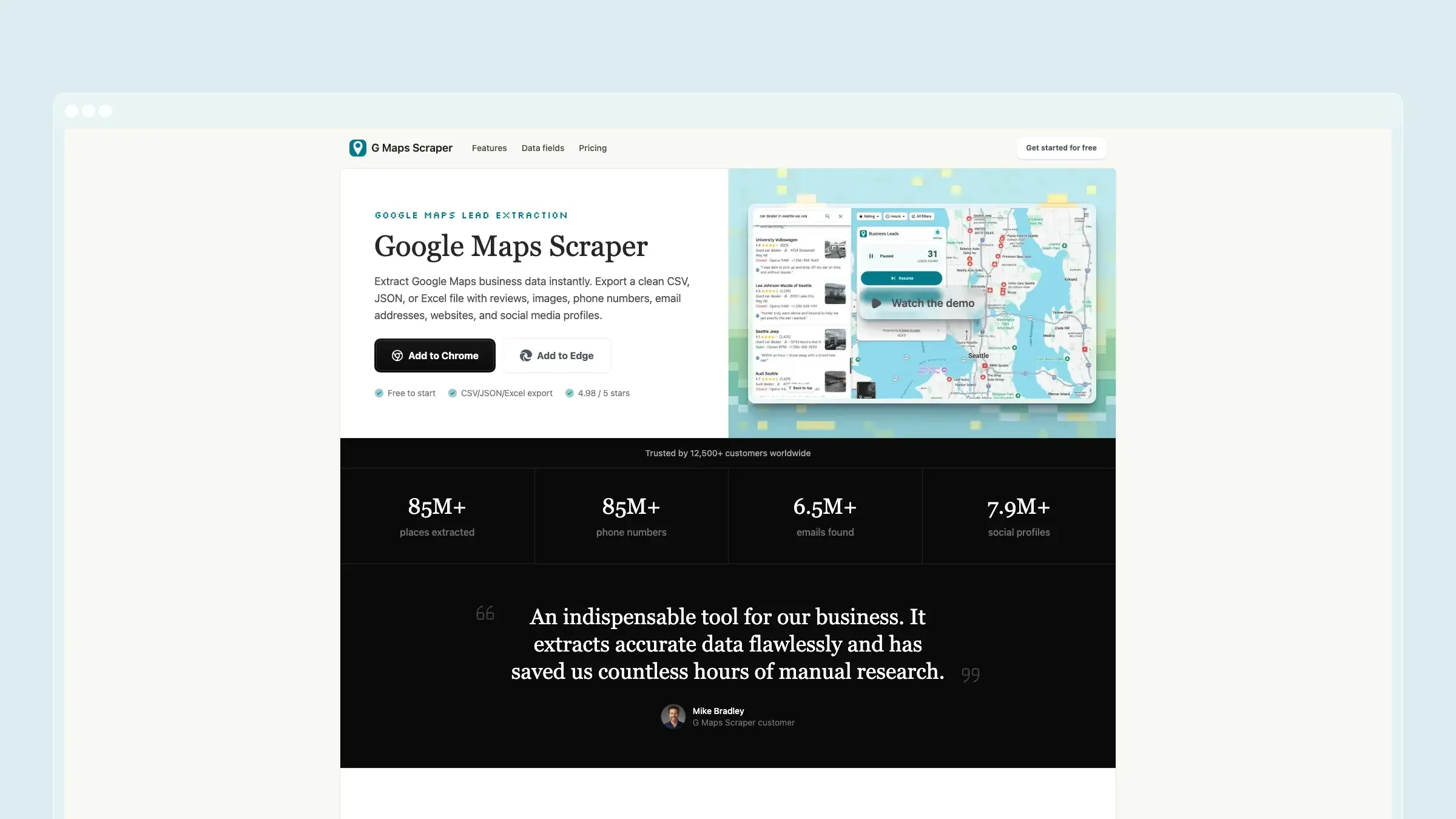
G Maps Scraper is built for one job: turning Google Maps searches into clean local lead lists. Search a category and location, run the extension, then export CSV, JSON, or Excel with names, categories, addresses, coordinates, phone numbers, websites, ratings, reviews, images, emails, and social profiles.
What G Maps Scraper does well:
- Fast no-code workflow from map search to export.
- Google Maps-first fields instead of generic scraped HTML.
- Email and social profile discovery for more useful outreach lists.
- Simple CSV, JSON, and Excel exports for spreadsheets and CRMs.
- Predictable free, Professional, and Business plans.
Where it is weaker than G Maps Extractor: G Maps Scraper is focused on the lead extraction workflow rather than trying to mirror every G Maps Extractor page, guide, or add-on. If your team already has G Maps Extractor installed, tested, and tied into an existing routine, switching may not be urgent.
Pricing: Free plan with 1,000 leads per month. Professional is $39/month for 100,000 leads per month. Business is $99/month for larger extraction volume.
Best for: Sales teams, agencies, local marketers, recruiters, founders, and researchers who mainly need Google Maps business data.
The tradeoff: You choose a focused extractor with a cleaner workflow instead of a broader legacy-style site around the same category.
2. Outscraper
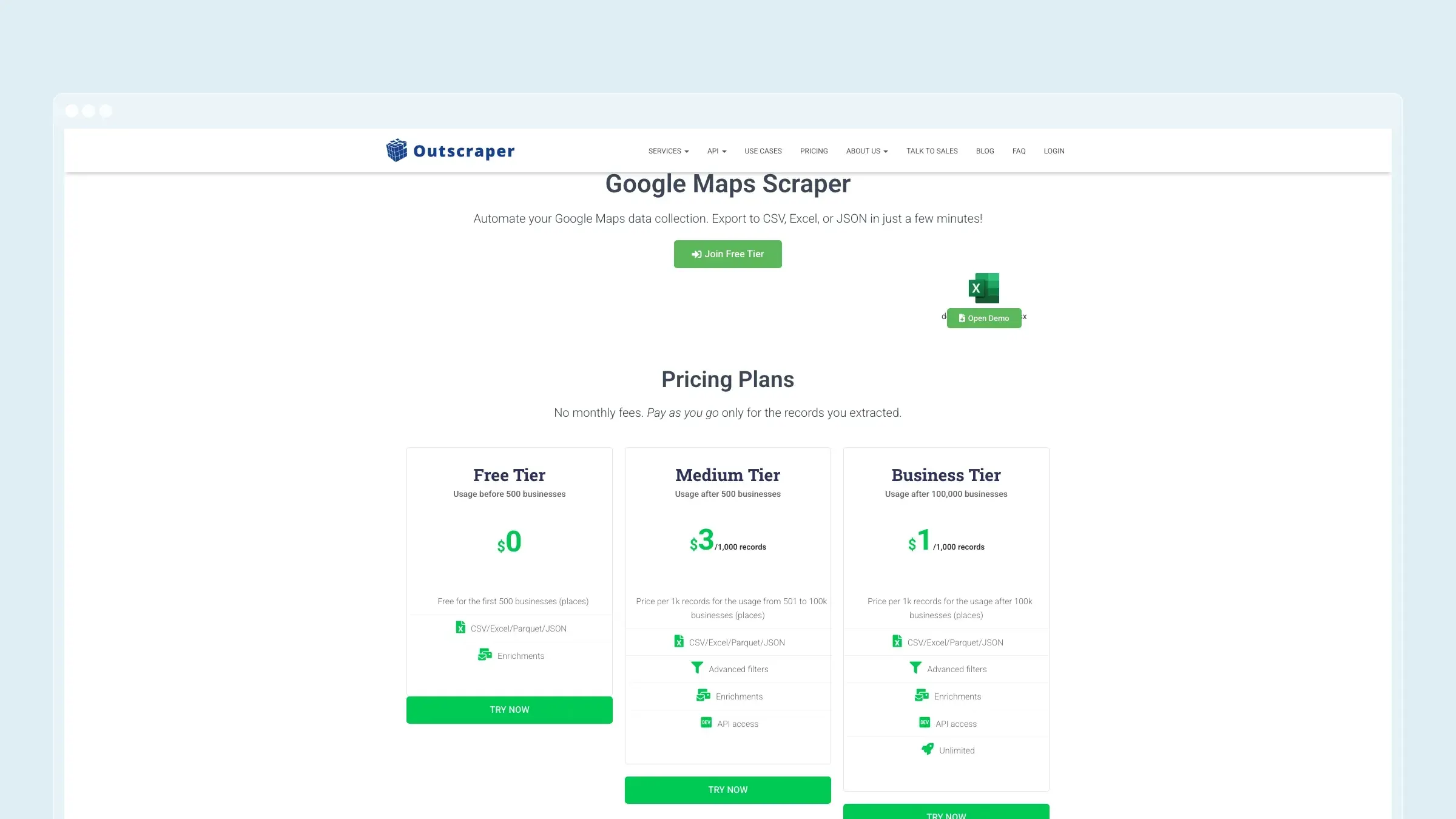
Outscraper is a managed Google Maps scraping product with dashboard runs, API access, real-time extraction, enrichments, and CSV, Excel, Parquet, or JSON exports.
What Outscraper does well:
- Cloud execution for teams that do not want browser-based scraping.
- Dedicated Google Maps, reviews, photos, and place data workflows.
- API access for recurring internal pipelines.
- Pay-per-record pricing that can suit spiky usage.
- Contact enrichment options for business listings.
Where it is weaker than G Maps Extractor: Outscraper is less extension-native. If you like working directly from a browser extension while viewing Google Maps, a cloud dashboard can feel like a bigger workflow change.
Pricing: Outscraper advertises the first 500 businesses free. After that, public Google Maps Scraper pricing is pay as you go, including $3 per 1,000 records from 501 to 100,000 businesses and $1 per 1,000 records after 100,000 businesses.
Best for: Teams that want cloud-based Google Maps extraction, recurring jobs, and API access without managing scraping infrastructure.
The tradeoff: Outscraper is stronger for cloud and API workflows, but it can be less direct for users who simply want to run an extension and download a file.
3. Scrap.io
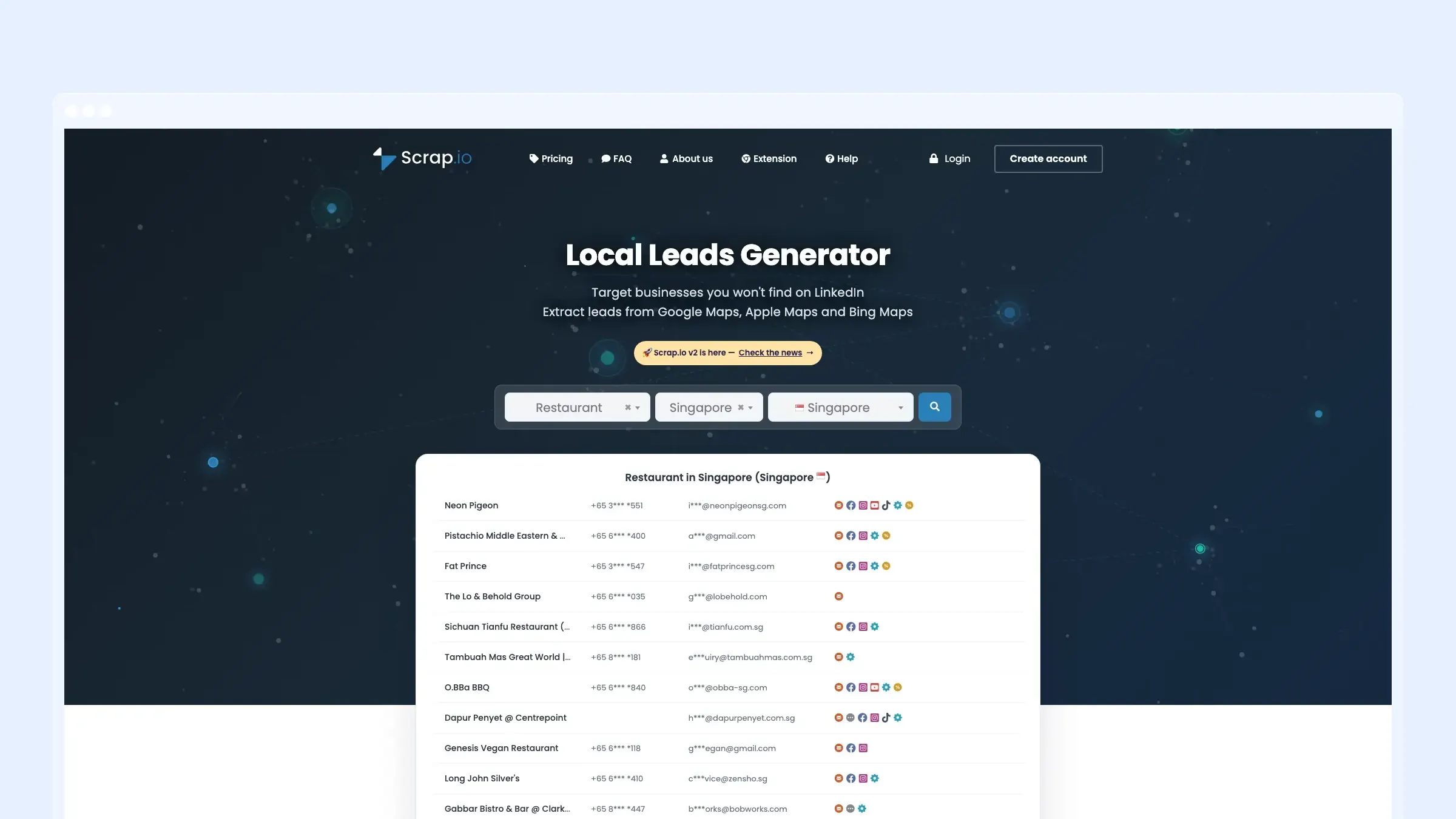
Scrap.io is a local leads platform that pulls business data from Google Maps, Apple Maps, and Bing Maps, with filters for contact fields, ratings, reviews, categories, countries, and API use cases.
What Scrap.io does well:
- Multi-map coverage across Google, Apple, and Bing Maps.
- Lead filters for emails, websites, phones, ratings, and social profiles.
- Local prospecting focus rather than raw scraping.
- API and MCP support for automation and AI-assisted workflows.
- Sample export path for checking data shape before committing.
Where it is weaker than G Maps Extractor: Scrap.io is a lead database and dashboard workflow. If your only goal is to scrape the exact Google Maps result page you are looking at, an extension-style tool can feel more immediate.
Pricing: Scrap.io promotes a 7-day pass and paid plans for ongoing lead generation. Check the current pricing page before estimating volume cost because credits and plan limits can change.
Best for: Sales teams, agencies, and operators that want filtered map-based leads from multiple local search sources.
The tradeoff: Scrap.io can broaden the source set beyond Google Maps, but that broader workflow may be more than a simple extractor user needs.
4. LeadStal
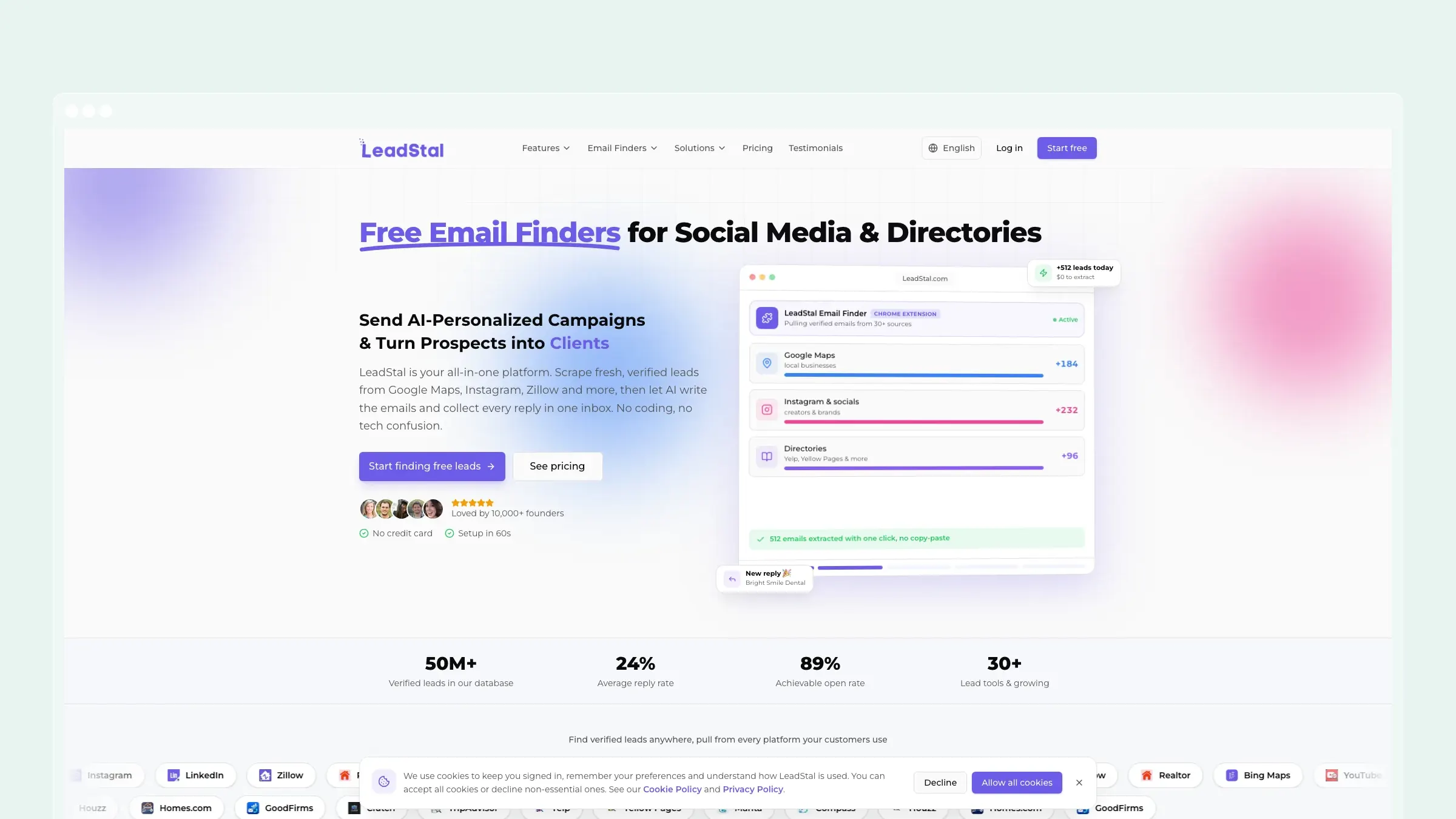
LeadStal combines free lead finders, a Chrome extension, Google Maps lead scraping, directory and social lead sources, AI-personalized cold emails, warmup, campaigns, and a shared reply inbox.
What LeadStal does well:
- Free lead-finding tools across Google Maps, social platforms, and directories.
- AI-personalized cold email campaigns after list building.
- Lead import and campaign sending credits in paid plans.
- Chrome extension workflow for users who like browser-based prospecting.
- One product for sourcing, writing, sending, and managing replies.
Where it is weaker than G Maps Extractor: LeadStal is broader than Google Maps extraction. If you only need a clean Maps export and do not want campaign tooling, its outreach features can be extra surface area.
Pricing: LeadStal says its lead-finding tools are free and paid plans start at $9.99/month for Pro. Advanced is listed at $35/month, Enterprise at $99/month, and one-time credit packs start at $5.
Best for: Founders, sales teams, and agencies that want to move from local lead discovery into AI-assisted cold email without stitching together several tools.
The tradeoff: LeadStal is more of an outreach engine. It is attractive when email campaigns matter, but less focused when the deliverable is just a spreadsheet.
5. QuickLeadFinder
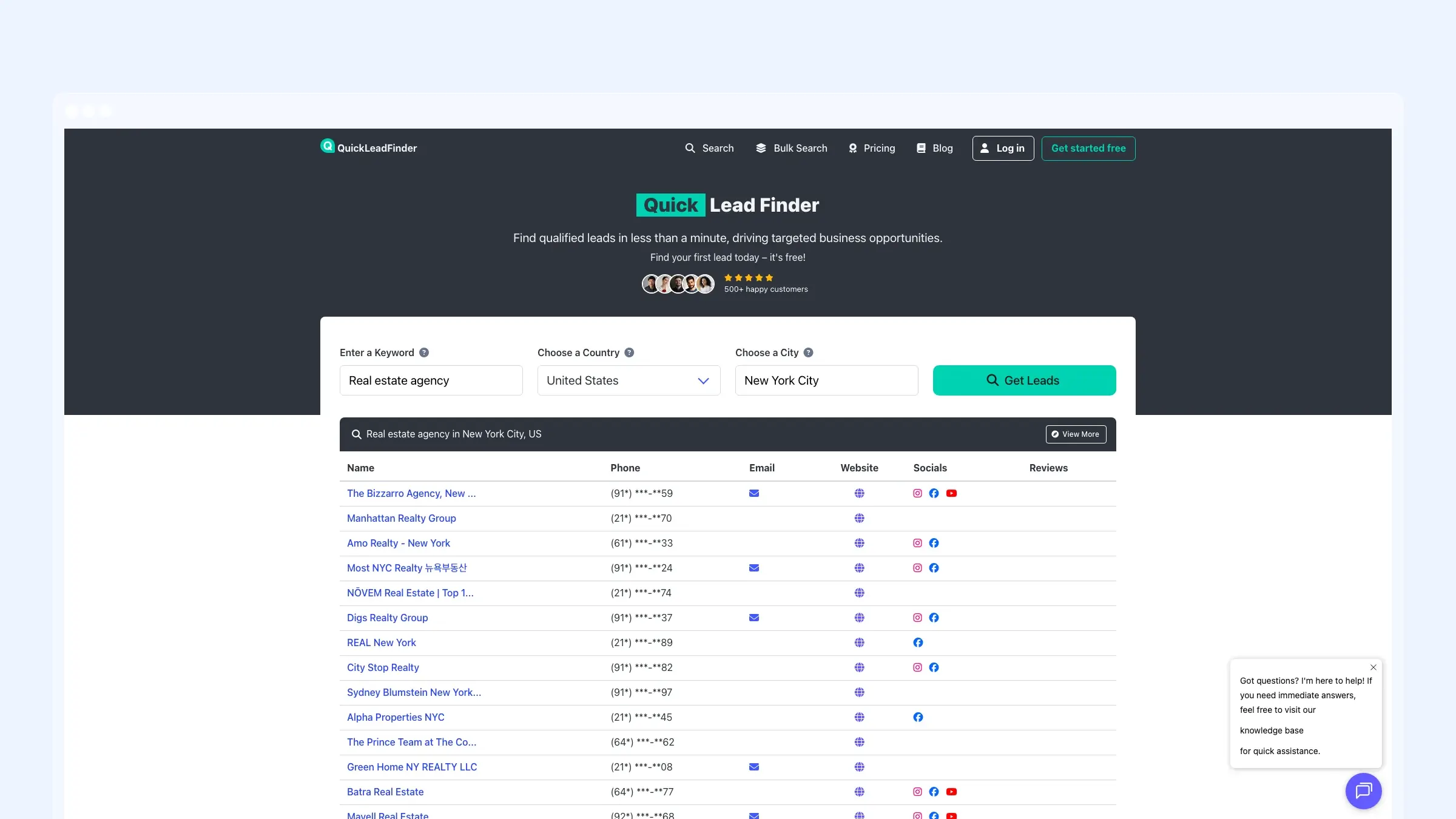
QuickLeadFinder is a lead finder built around keyword, country, and city searches. It shows business names, phones, emails, websites, social profiles, reviews, and supports exports to CSV, XLSX, and JSON.
What QuickLeadFinder does well:
- Simple keyword and location search model.
- Bulk search options for multiple cities or keywords.
- Phone, website, email, social, and review fields.
- CSV, XLSX, and JSON export support.
- Free plan for low-volume testing.
Where it is weaker than G Maps Extractor: QuickLeadFinder is more dashboard-search oriented. If you prefer extracting from Google Maps itself through a browser extension, it may feel less tied to the source interface.
Pricing: QuickLeadFinder lists a free plan with up to 10 searches monthly. Pro is $29/month, and Business is $129/month with much higher search and estimated lead volume.
Best for: Small teams that want a simple city-plus-keyword workflow and do not need a developer API.
The tradeoff: QuickLeadFinder is easy to understand, but teams should verify data freshness and export limits against their target markets before using it at scale.
6. DataForSEO
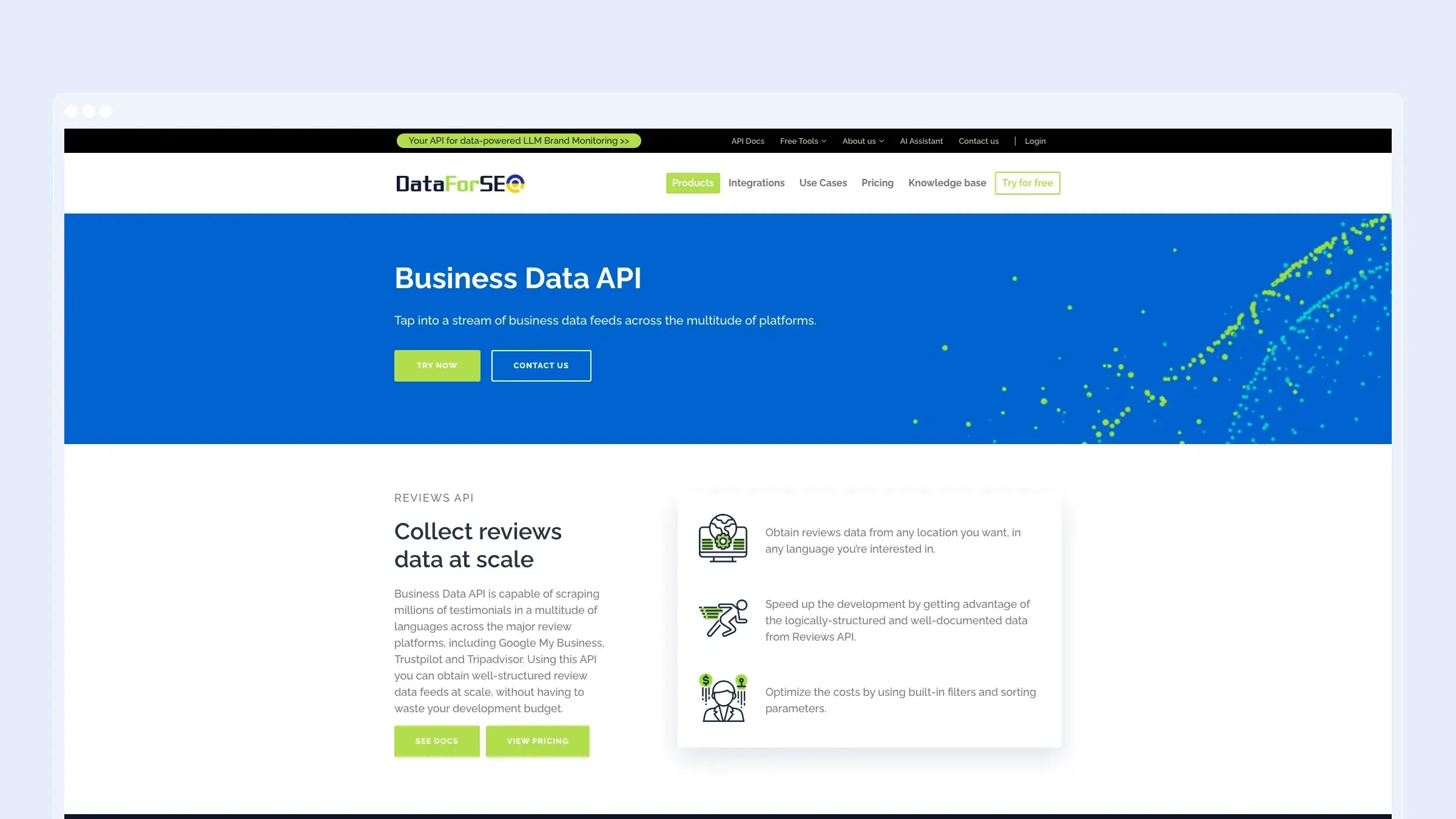
DataForSEO is an API vendor for SEO, SERP, keyword, backlinks, ecommerce, app, and business data. Its Business Data API includes Google Business profiles, Google Reviews, business listings, and related local data endpoints.
What DataForSEO does well:
- Structured APIs with predictable request and response patterns.
- Useful for local SEO, rankings, reviews, and analytics workflows.
- Broad SEO API catalog beyond Google Maps.
- Clear usage-based pricing pages.
- Strong developer documentation and payload consistency.
Where it is weaker than G Maps Extractor: DataForSEO is developer-first. It is not a one-click Chrome extension for sales users who want to search Google Maps and immediately download a spreadsheet.
Pricing: DataForSEO uses pay-as-you-go pricing with a $50 minimum payment. Business data and review endpoints are priced by endpoint, priority, and task volume, so production cost should be estimated from the current pricing tables.
Best for: SEO software teams, agencies, data teams, and developers building local ranking, review, or analytics products.
The tradeoff: DataForSEO gives you APIs, not a finished prospecting app. Non-technical users will usually need a simpler interface.
7. Google Places API
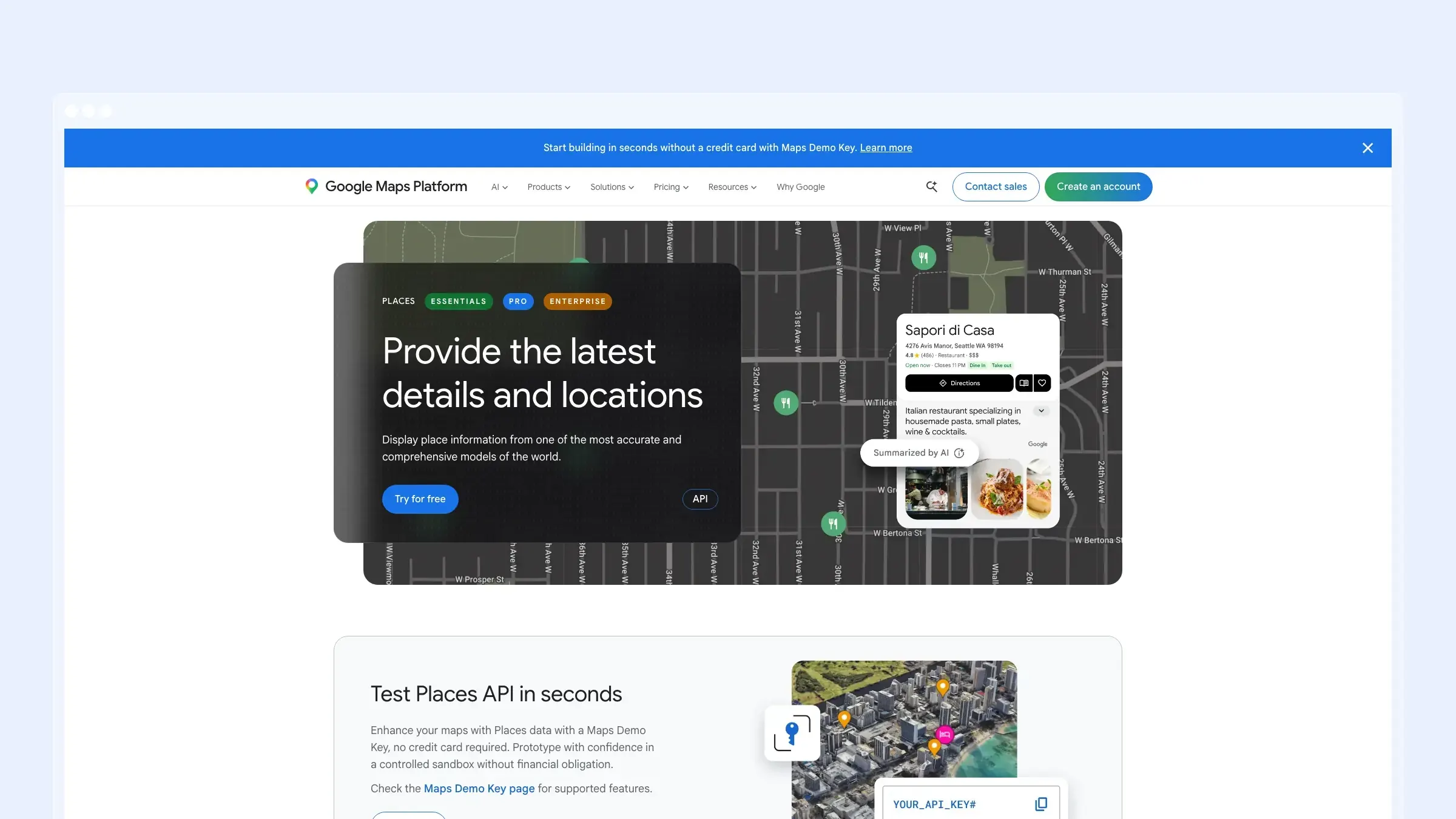
Google Places API is the official way to build applications on Google place data. It supports place search, place details, photos, autocomplete, and related Google Maps Platform workflows.
What Google Places API does well:
- Official Google API with documentation and platform support.
- Best fit for applications that need compliant place lookup.
- Place Details, Text Search, Nearby Search, and other endpoints.
- Predictable billing through Google Cloud.
- Works naturally inside apps already using Google Maps Platform.
Where it is weaker than G Maps Extractor: Google Places API is not a scraper and it is not a lead export tool. It will not always expose every field a sales team expects from a scraped Google Maps listing.
Pricing: Pricing is usage based. Google lists monthly free caps on many Places API SKUs and charges per 1,000 requests after the free usage tier depending on endpoint and field set.
Best for: Product teams building apps, directories, maps, and internal tools that need official Google place data.
The tradeoff: It is the safest architectural option for apps, but usually too technical for a sales team that just wants a local prospecting list.
When You Should Stay With G Maps Extractor
Stay with G Maps Extractor if your current browser extension setup works, your team is comfortable with its CSV, JSON, or Excel exports, and its current limits and pricing already fit your lead volume.
No alternatives list should pretend that the seed product is never the right choice. G Maps Extractor may still be the best fit if its Chrome or Edge extension workflow, guides, and data fields already match how your team prospects.
Which G Maps Extractor Alternative Should You Choose?
Choose G Maps Scraper if you mainly need Google Maps business data and want the fastest path to CSV, JSON, or Excel.
Choose Outscraper if you want managed cloud Google Maps scraping and API access without browser extension workflows.
Choose Scrap.io if you want a local lead platform with filters across Google Maps, Apple Maps, and Bing Maps.
Choose LeadStal if you want lead scraping plus AI-personalized cold email campaigns.
Choose QuickLeadFinder if you like keyword-city searches and want a simple lead finder dashboard.
Choose DataForSEO if you are building a local SEO, review monitoring, or analytics product with structured APIs.
Choose Google Places API if you need official Google place data inside an application.
Bottom Line
The best G Maps Extractor alternative depends on what you want to change. If you want a focused no-code Google Maps extraction workflow, start with G Maps Scraper. If you want cloud jobs and APIs, compare Outscraper. If you want multi-map lead discovery, Scrap.io is worth testing. If your real goal is outreach, LeadStal and QuickLeadFinder are more sales-oriented. If you are building software, DataForSEO and Google Places API are the developer options.
If your main requirement is simple Google Maps lead extraction with business names, phone numbers, websites, emails, reviews, ratings, images, social profiles, and clean exports, G Maps Scraper is the best place to start. It is narrower than many tools on this list, and that is exactly why it is easier to use for local prospecting.


