


Apify is a serious web data platform. It has a huge Actor marketplace, serverless runs, proxy infrastructure, storage, APIs, webhooks, and enough flexibility to scrape nearly anything if you know what you are doing.
That flexibility is also why many Google Maps scraping teams eventually look for an Apify alternative.
If the job is "find restaurants in Austin and export names, websites, phone numbers, emails, reviews, and social profiles," you probably do not want to compare Actors, estimate compute units, wire up proxies, review run logs, and troubleshoot custom scraping logic. You want a clean lead list.
This guide focuses on popular alternatives to Apify for Google Maps scraping, local lead generation, and business data extraction. Some are no-code tools. Some are APIs. Some are enterprise data platforms. The right choice depends on whether you want a finished CSV today, an API in your pipeline, or a broader scraping stack for many websites.
Quick Comparison
| Tool | Best For | Starting Price | Workflow | Google Maps Focus | Best Apify Replacement Case |
|---|---|---|---|---|---|
| G Maps Scraper | No-code Google Maps lead extraction | Free / $39/mo | Chrome and Edge extension | Dedicated | Fast exports with phones, websites, emails, reviews, and social profiles |
| Outscraper | Managed Google Maps scraping at volume | First 500 free, then pay per record | Cloud dashboard and API | Dedicated | Teams that want cloud scraping without managing Actors |
| Bright Data | Enterprise Google Maps and SERP data | Free trial / usage based | API and data platform | Strong | Compliance-heavy teams that need scale and infrastructure |
| DataForSEO | SEO and business data APIs | $50 minimum payment | API | Business data focused | Developers who need Maps, reviews, rankings, and SEO data together |
| Octoparse | No-code scraping across many websites | Free / paid plans from $69/mo | Visual scraper | Template based | Non-technical teams scraping Google Maps plus other sites |
| ScrapingBee | General web scraping API | 1,000 free credits / $49/mo | API | Not dedicated | Developers who want proxy rotation, JS rendering, and raw page access |
| Scrap.io | Local lead generation database | 7-day trial / $35/mo yearly | Dashboard, API, and MCP server | Dedicated | Sales teams that want filtered local leads from map sources |
How We Chose These Apify Alternatives
The market is crowded because "Apify alternative" can mean several different things. A developer building a Python crawler needs different software than a sales team building a local prospect list.
For this list, the criteria were:
- Clear usefulness for Google Maps scraping, local business data, or adjacent web scraping work.
- Enough popularity or market visibility to be worth evaluating.
- Public product pages and pricing information that make the buying path understandable.
- A real advantage over Apify for at least one common workflow: easier setup, simpler exports, better Google Maps focus, lower operational overhead, broader API coverage, or stronger enterprise infrastructure.
If you need a general automation marketplace with tens of thousands of prebuilt scrapers, Apify is still hard to beat. If you need Google Maps leads quickly, the tools below are usually more direct.
1. G Maps Scraper
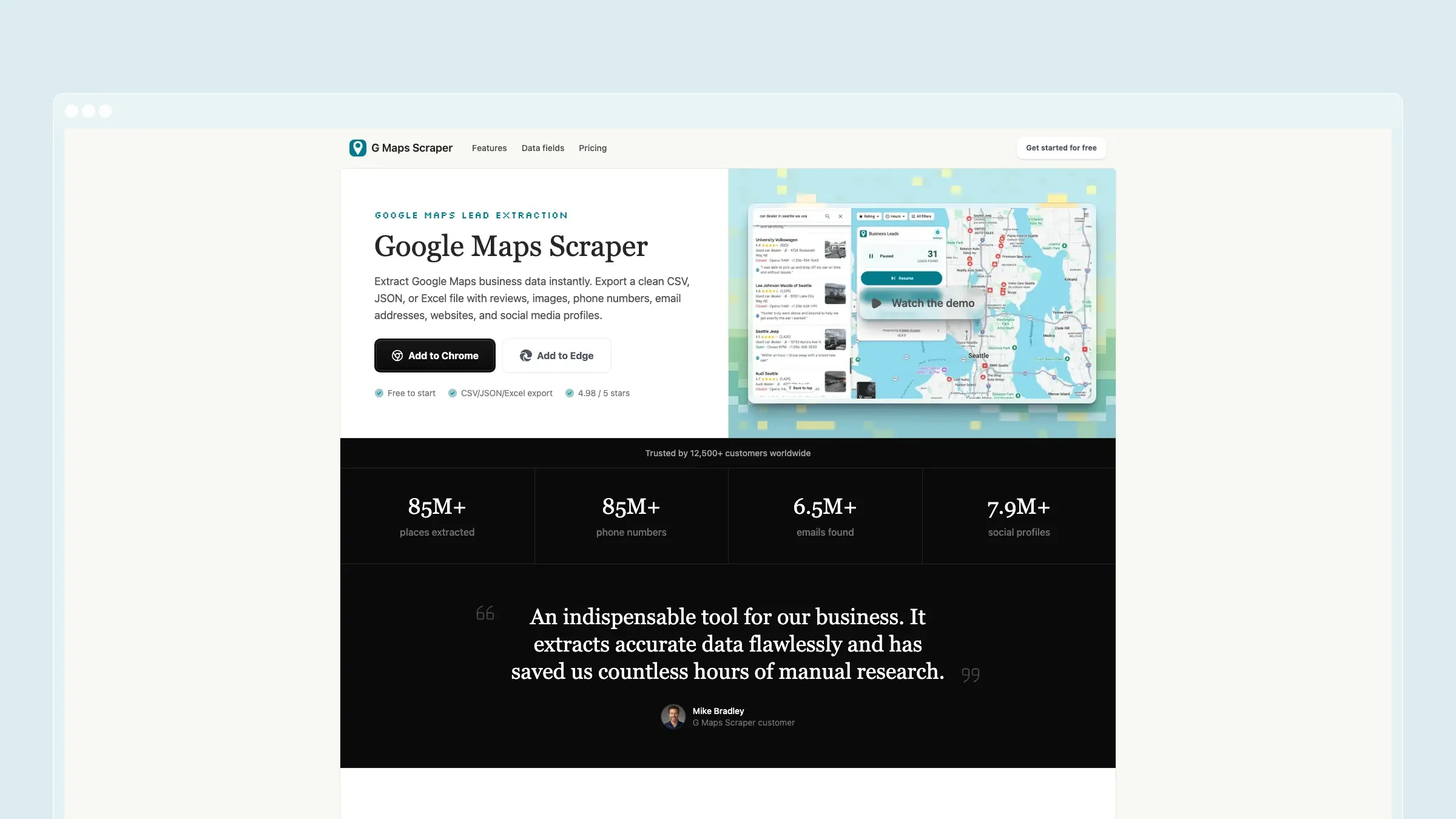
G Maps Scraper is the best Apify alternative if your real use case is Google Maps lead generation, not general web automation.
Instead of asking you to pick an Actor, configure input JSON, watch compute-unit usage, and export from a dataset, G Maps Scraper works as a Chrome and Edge extension. Search Google Maps, run the scraper, and export clean CSV, JSON, or Excel files with business names, addresses, phone numbers, websites, reviews, images, emails, and social profiles.
That difference matters. Apify is powerful because it is broad. G Maps Scraper is useful because it is narrow.
What G Maps Scraper does well:
- No-code workflow - install the extension, run searches, and export. No actor configuration, SDK, proxy setup, or scraping code.
- Google Maps-first fields - business names, categories, addresses, coordinates, phone numbers, websites, rating data, reviews, images, and opening hours are part of the core workflow.
- Email and social enrichment - the tool can collect public email addresses and social profile links connected to business websites, which is often the difference between a raw map export and a usable sales list.
- Simple exports - CSV, JSON, and Excel files are ready for spreadsheets, CRMs, enrichment tools, or sales workflows.
- Local processing feel - because the extension runs directly from the browser workflow, it feels much closer to using Google Maps itself than operating a cloud scraping platform.
- Predictable plans - the free plan includes 1,000 leads per month, while the Professional plan is built for up to 100,000 leads per month.
Where it is weaker than Apify: G Maps Scraper is not a general automation platform. It will not replace Apify if you need to scrape LinkedIn, Amazon, Instagram, job boards, and arbitrary websites from one marketplace. It also is not meant for teams that want to build custom Actors, schedule many different web automations, or run code in a hosted scraping environment.
Pricing: Free plan with 1,000 leads per month. Professional is $39/month for 100,000 leads per month. Business is $99/month for larger extraction volume.
Best for: Sales teams, agencies, local marketers, recruiters, researchers, and founders who mainly need Google Maps business data and want the fastest route from search query to usable leads.
The tradeoff: You trade Apify's general-purpose flexibility for a focused Google Maps workflow. If Google Maps is your main data source, that is usually the right trade.
2. Outscraper
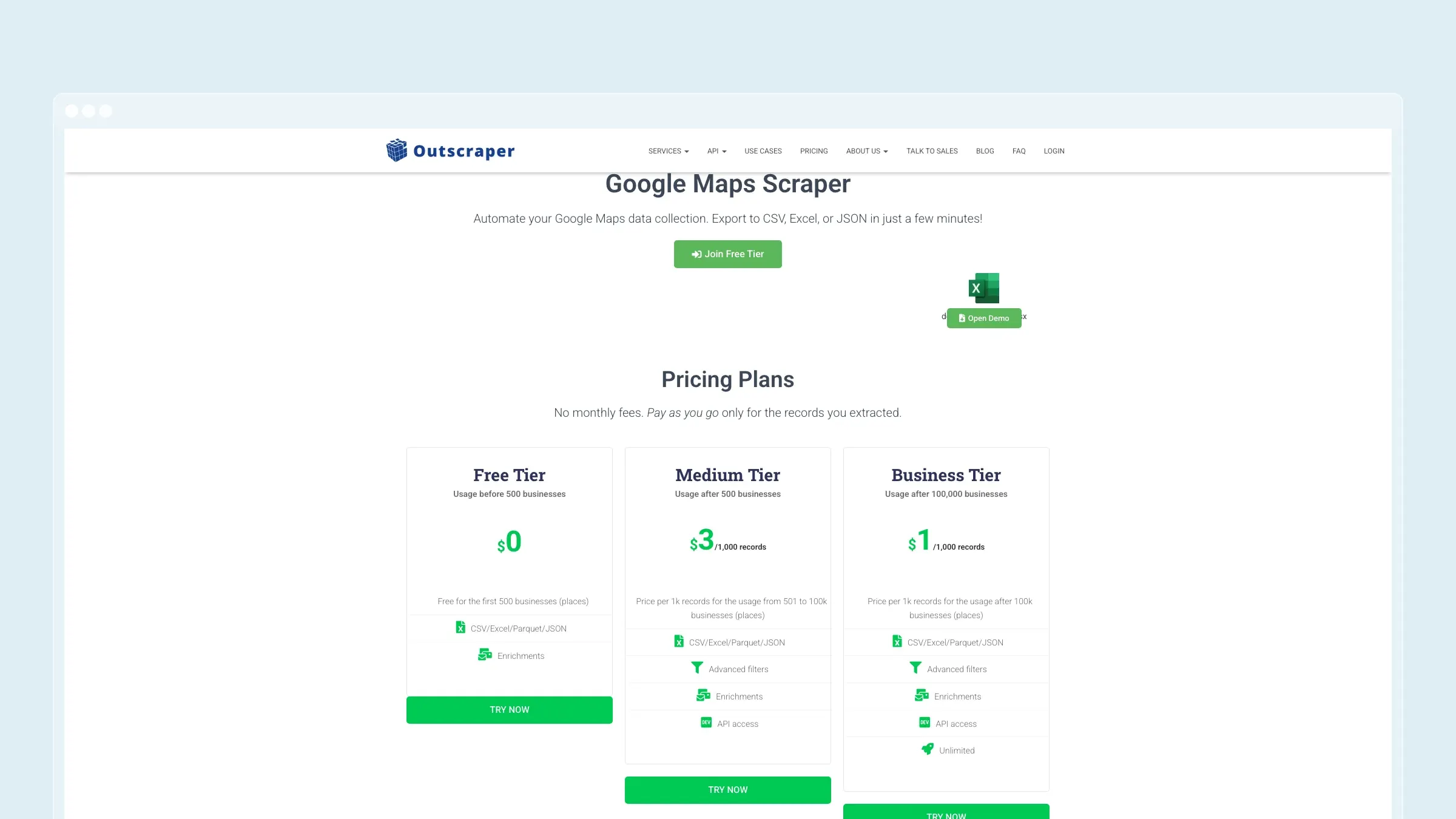
Outscraper is one of the most established Google Maps scraping tools and a strong Apify alternative for teams that prefer managed cloud scraping over a browser extension.
The product is built around extracting Google Maps businesses into CSV, Excel, or JSON. It supports real-time extraction, email and contact discovery, cloud scraping, and API access. Compared with Apify, Outscraper removes a lot of the Actor-selection and runtime-management layer. You choose a Google Maps scraper workflow, configure the query, and receive structured results.
What Outscraper does well:
- Dedicated Google Maps scraper - the main product is built for business listings, reviews, photos, categories, addresses, phone numbers, websites, coordinates, and related local data.
- Cloud execution - useful when you do not want your own browser, device, or extension session involved in the run.
- API access - developers can pull Google Maps data into internal systems without building and maintaining Apify Actor workflows.
- Email and contact enrichment - Outscraper can enrich listings with emails and other contact data where available.
- Pay-per-record model - this can be attractive when usage is spiky and you do not want a larger monthly platform commitment.
Where it is weaker than Apify: Outscraper is much more focused. That is a strength for Google Maps, but a limitation if your team wants one marketplace for many different scraping tasks. It also gives you less freedom to customize scraping logic than writing or modifying an Apify Actor.
Pricing: Outscraper advertises no monthly fees for the Google Maps Scraper, the first 500 businesses free, and pay-per-record pricing after that. Their public page lists $3 per 1,000 records for medium volume and lower rates at higher volume.
Best for: Teams that need cloud-based Google Maps extraction, recurring jobs, API access, or high-volume exports without managing Apify infrastructure.
The tradeoff: Outscraper is easier than Apify for Google Maps, but less flexible outside Google Maps. Choose it when "managed local data pipeline" is more important than "general scraping platform."
3. Bright Data
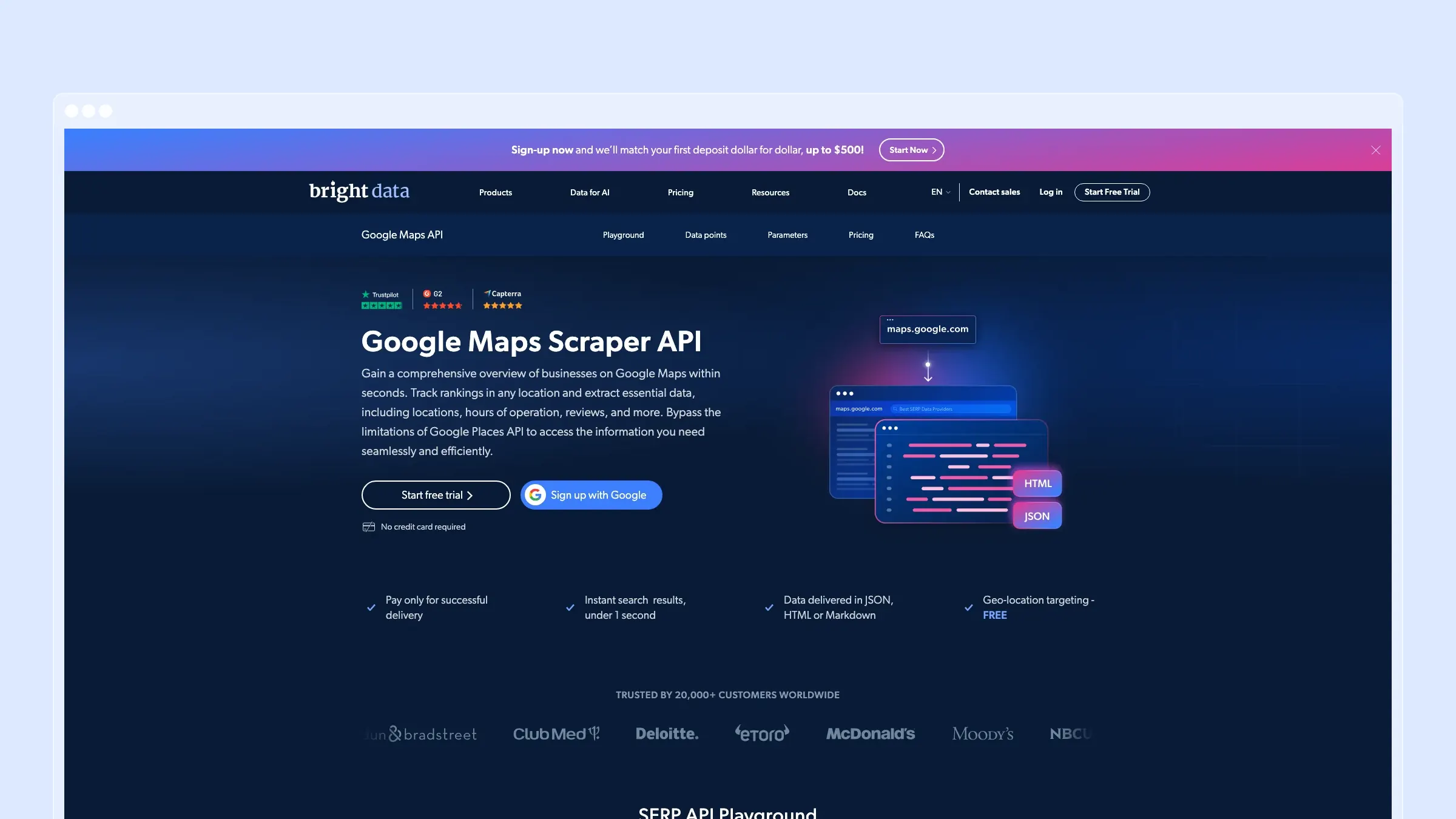
Bright Data is the enterprise option. It is not just a scraper. It is a data infrastructure company with proxies, SERP APIs, datasets, compliance tooling, and managed data products.
For Apify users, Bright Data makes sense when the problem has moved beyond "I need an Actor" and into "I need reliable data infrastructure at scale." Its Google Maps Scraper API is designed to scrape business information from Google Maps using city-level targeting, and the wider platform includes proxy rotation, Web Unlocker, SERP APIs, and managed datasets.
What Bright Data does well:
- Enterprise-grade infrastructure - built for high-volume, production data collection rather than occasional exports.
- Google Maps and SERP focus - the Google Maps Scraper API sits inside a larger search data stack.
- Anti-blocking ecosystem - Bright Data's proxy and unlocking products are a major reason enterprise teams evaluate it.
- Compliance posture - stronger fit for companies that need procurement, legal, security, and vendor review processes.
- Managed and self-serve paths - teams can use APIs directly or work with Bright Data for larger data needs.
Where it is weaker than Apify: It can be more complex and heavier than necessary for simple Google Maps lead generation. If you only need a few thousand local leads in a spreadsheet, Bright Data is probably overkill. It also does not feel as beginner-friendly as a browser extension or dedicated dashboard.
Pricing: Bright Data advertises a free trial for its Google Maps Scraper API. Pricing depends on the product and usage model, so serious buyers should check the current quote or self-serve pricing before committing.
Best for: Enterprise data teams, market intelligence teams, and developers that need Google Maps or SERP data at scale with infrastructure and compliance support.
The tradeoff: Bright Data can replace Apify as infrastructure, but not as a simple lead-generation tool. Use it when reliability, scale, and vendor maturity matter more than speed to first CSV.
4. DataForSEO
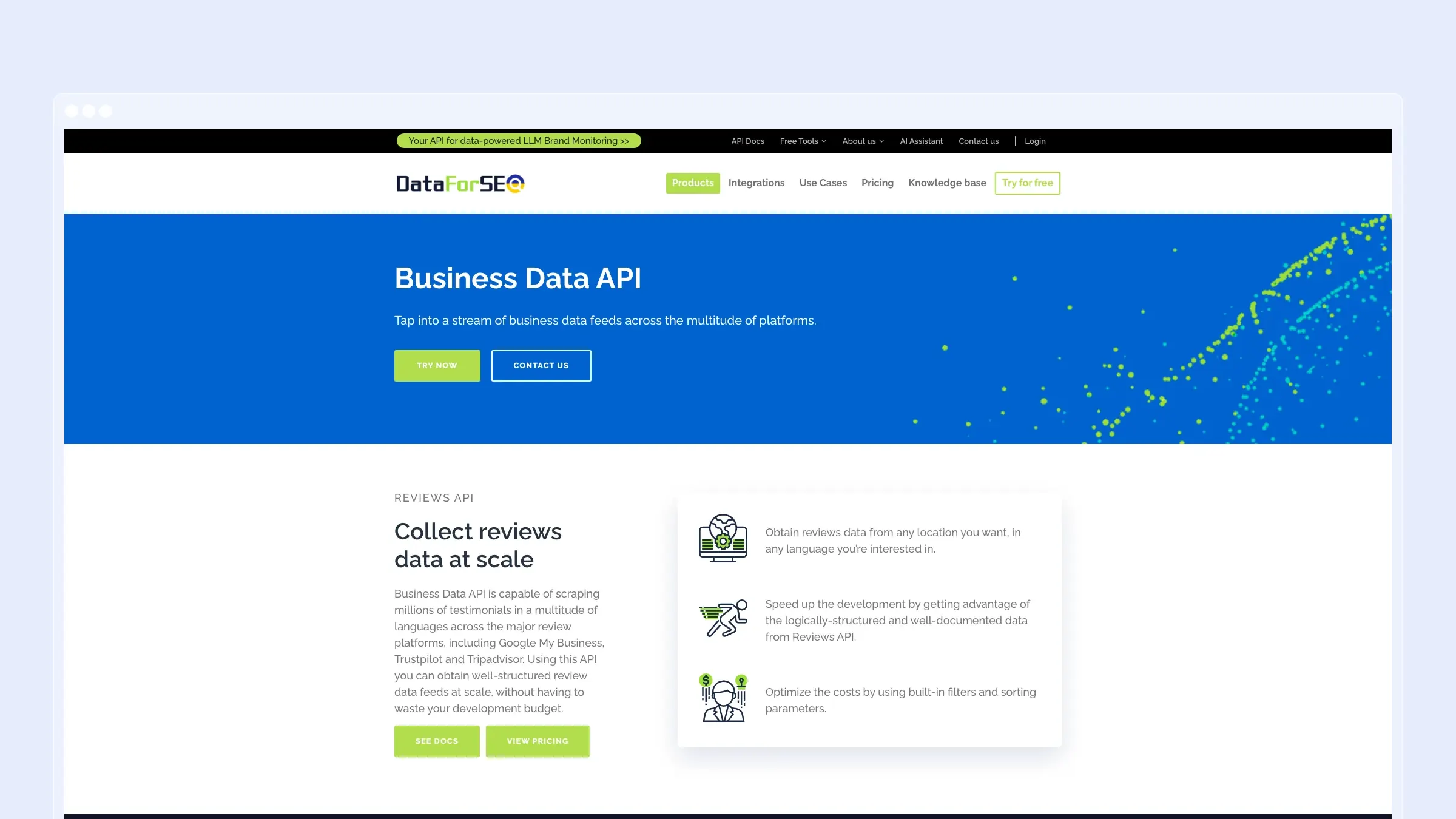
DataForSEO is best understood as an API company, not a no-code scraper. Its Business Data API includes Google My Business profile data, Google Reviews, TripAdvisor Reviews, Trustpilot Reviews, Yelp Reviews, and related endpoints. The wider platform also covers SERP, keywords, backlinks, ecommerce, app data, and on-page SEO.
That makes it a good Apify alternative when your Google Maps workflow is part of an SEO, local rankings, or analytics pipeline. Instead of running scrapers as jobs, you call APIs and receive normalized data.
What DataForSEO does well:
- Structured APIs - a better fit than Apify for teams that want documented endpoints, predictable payloads, and API-first integration.
- Business and review data - Google My Business profiles and Google Reviews are directly relevant to local SEO and reputation analysis.
- SEO data breadth - if your workflow combines local business data with SERP rankings, keyword data, backlinks, or ecommerce data, DataForSEO keeps more of it under one API vendor.
- Usage controls - the platform exposes clear API pricing pages and usage-oriented billing.
- Developer documentation - strong fit for engineering teams that prefer API calls over running hosted scrapers.
Where it is weaker than Apify: DataForSEO is not a visual scraping tool, and it is not built for arbitrary website automation. It is also less friendly for a non-technical user who just wants to download a lead list. You need a developer, a script, or an internal tool to make the API useful.
Pricing: DataForSEO uses pay-as-you-go pricing with a $50 minimum payment. Public pricing lists Google My Business profile data at $0.0015 per profile for standard priority and $0.003 per profile for priority, with review pricing calculated separately.
Best for: SEO platforms, agencies, data teams, and developers building local ranking tools, review monitoring, or business intelligence workflows.
The tradeoff: DataForSEO gives you clean APIs, but not a finished lead-generation app. It beats Apify when normalized API access matters more than visual scraping flexibility.
5. Octoparse
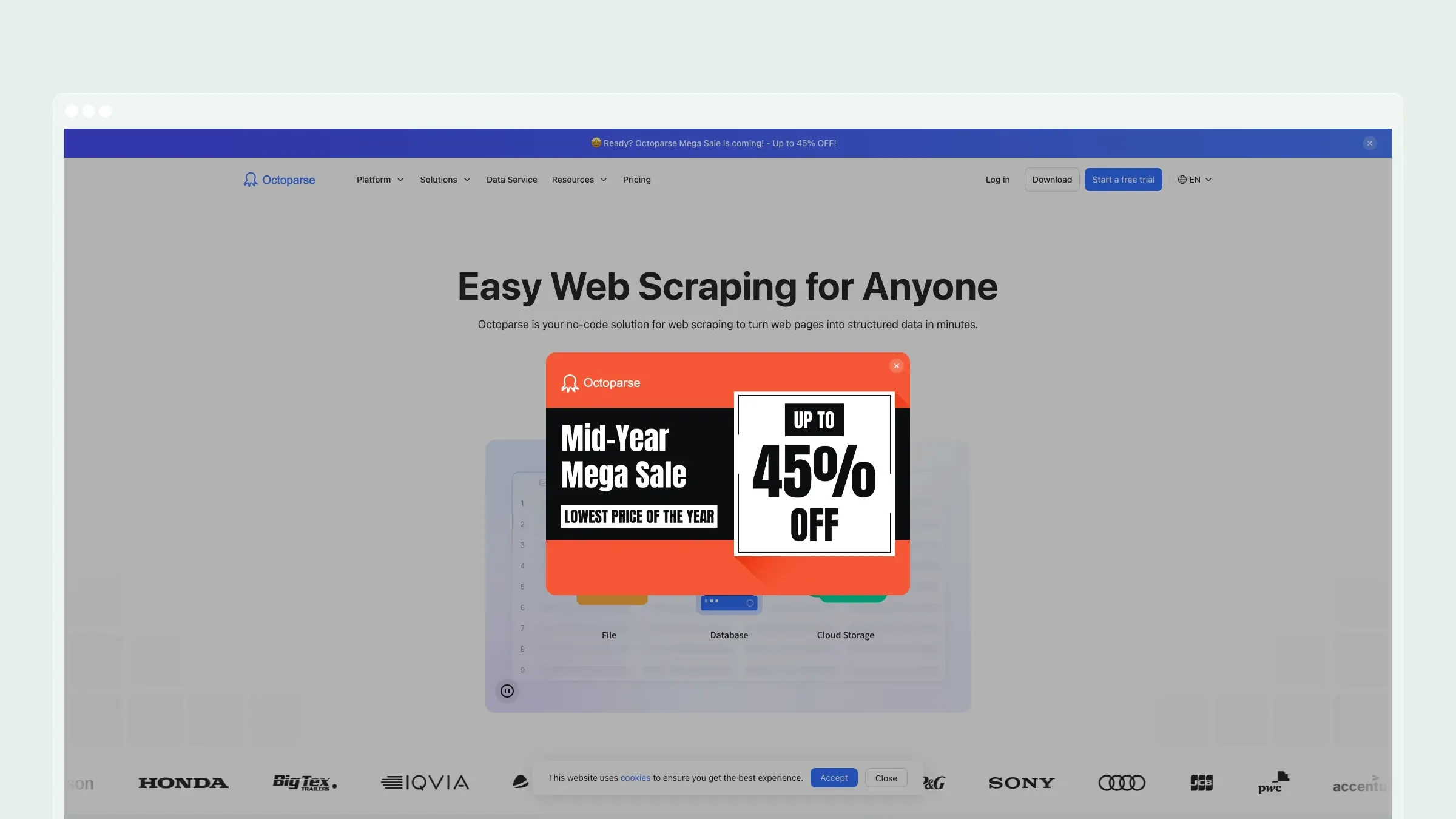
Octoparse is a popular no-code web scraping tool for people who need to extract data from many websites, not only Google Maps. It uses a visual workflow builder, templates, cloud extraction, scheduled runs, and exports to common file formats.
Compared with Apify, Octoparse feels more accessible to non-developers. You do not need to choose a JavaScript Actor or understand a scraping SDK. You click through the page, define what data you want, and let the tool build the scraping workflow.
What Octoparse does well:
- No-code scraping builder - useful for marketers, operators, researchers, and analysts who do not want to code.
- Large template library - templates can make common scraping tasks easier to start.
- Multi-site coverage - better than a Google Maps-only tool if your workflow also includes directories, ecommerce pages, search results, or public listings.
- Cloud extraction and scheduling - paid plans support running tasks in the cloud and on a schedule.
- Common exports - Excel, CSV, JSON, HTML, and XML exports are available.
Where it is weaker than Apify: Octoparse is easier to use, but less developer-native. If you need to write custom logic, chain automation steps, build actors, monetize scrapers, or integrate deeply with code, Apify is stronger. Octoparse also does not have the same Google Maps-specific enrichment depth as a dedicated lead extraction tool.
Pricing: Octoparse has a free plan. Its public pricing page advertises paid plans from $69/month, with higher tiers for more tasks, cloud resources, and team features.
Best for: Non-technical users who need a general scraping tool and occasionally scrape Google Maps or local directories.
The tradeoff: Octoparse replaces Apify's developer power with visual scraping convenience. Choose it when your team values no-code setup more than deep customization.
6. ScrapingBee
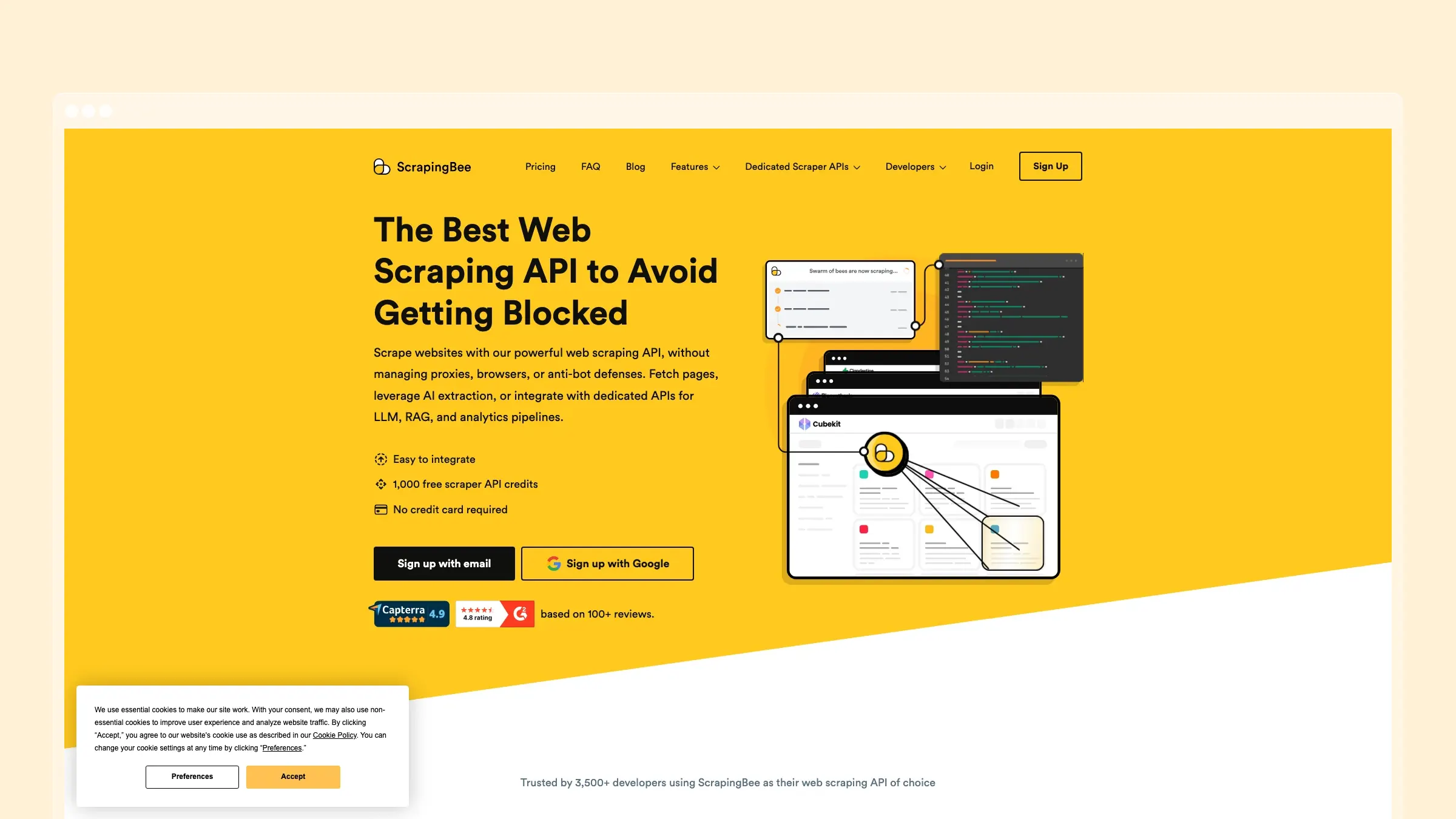
ScrapingBee is a web scraping API that handles headless browsers, JavaScript rendering, proxy rotation, screenshots, geotargeting, and anti-bot work. It is not a Google Maps lead database and it is not a no-code scraper. It is infrastructure for developers.
That makes it a useful Apify alternative when you already know what pages you need to request and you want a simpler API instead of a hosted Actor environment. You send a URL and options. ScrapingBee returns HTML, rendered pages, screenshots, or extracted data depending on how you configure it.
What ScrapingBee does well:
- Simple scraping API - fewer platform concepts than Apify if your workflow is just "fetch this page reliably."
- JavaScript rendering - useful for modern pages that need a browser environment.
- Proxy rotation and geotargeting - helpful when different regions return different results.
- Screenshots - can capture rendered pages for monitoring, QA, or visual workflows.
- Developer-friendly pricing - credits make it easier to estimate API usage than some custom scraping setups.
Where it is weaker than Apify: ScrapingBee does not provide a marketplace of ready-made Actors. It also does not turn Google Maps into a finished lead list by itself. You still need to write extraction logic, manage inputs, store outputs, and respect the target site's constraints.
Pricing: ScrapingBee offers 1,000 free credits. Paid plans start at $49/month for the Freelance plan, then scale up by credit volume and feature needs.
Best for: Developers who want scraping infrastructure without building proxy rotation, browser rendering, and anti-bot handling themselves.
The tradeoff: ScrapingBee is simpler than Apify as an API, but narrower as a platform. It is a strong choice for custom engineering teams and a weak choice for non-technical Google Maps lead generation.
7. Scrap.io
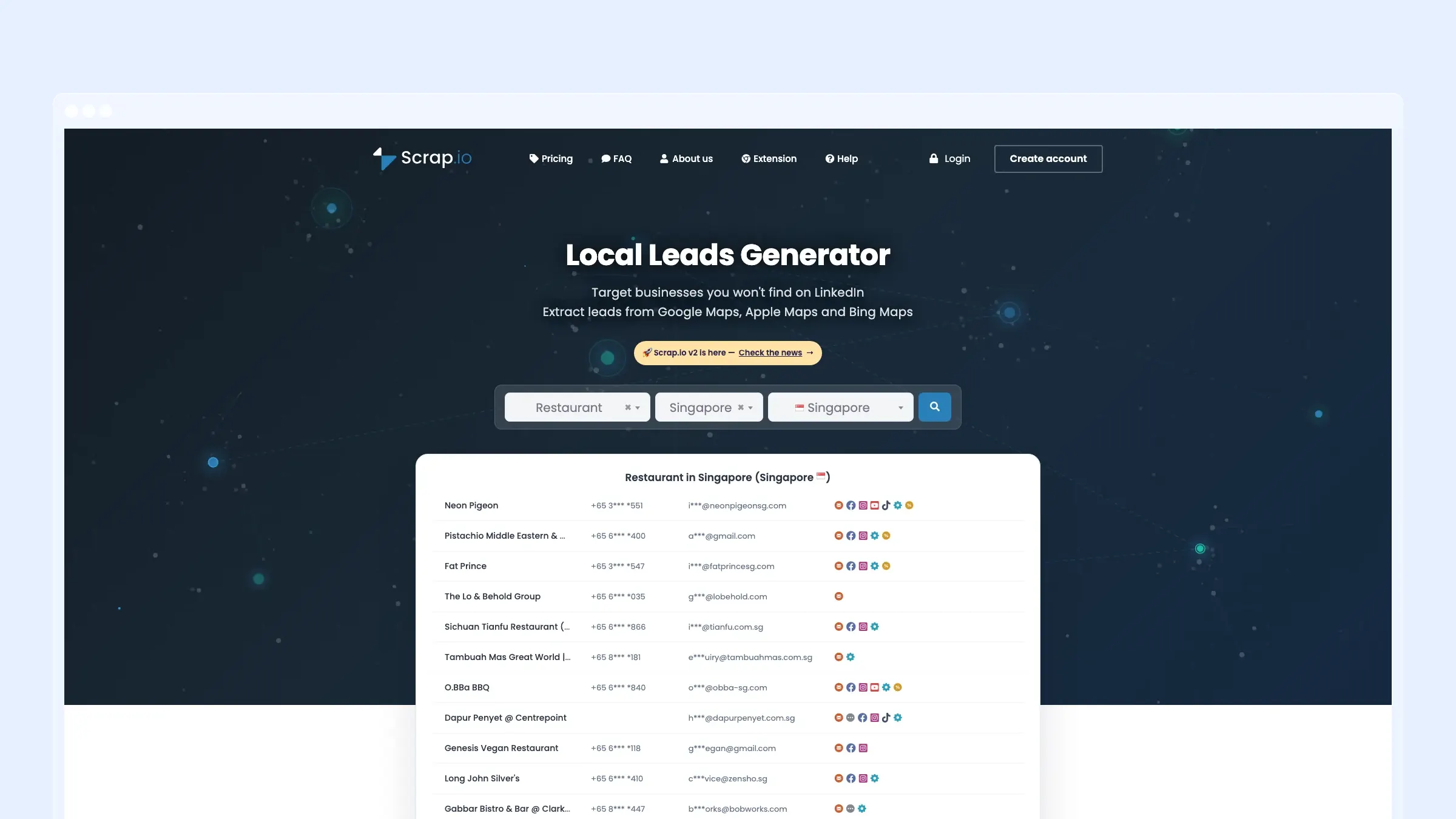
Scrap.io is a local leads generator that extracts business data from Google Maps, Apple Maps, and Bing Maps. It is closer to G Maps Scraper and Outscraper than to ScrapingBee or DataForSEO: the product is aimed at local prospecting rather than general scraping infrastructure.
Its public site emphasizes lead filters, emails, phone numbers, websites, social links, reviews, categories, countries, API access, and an MCP server. That makes it interesting for sales teams and AI-assisted workflows that want local business records as structured data.
What Scrap.io does well:
- Multi-map coverage - Google Maps, Apple Maps, and Bing Maps give it a broader local search footprint than Google-only tools.
- Lead-focused filters - filters for website, phone, email, rating, review count, social profiles, and location can save cleanup time.
- Contact fields - public emails, phones, websites, and social links are central to the product.
- API and MCP support - useful for teams connecting local lead data to internal tools or AI agents.
- Continuously updated data - the product positions itself as a local business database rather than just a one-off scraper.
Where it is weaker than Apify: Scrap.io is not a broad web scraping platform. It is also less suited to custom scraping tasks outside local business discovery. If your Apify usage spans many websites and automation types, Scrap.io will only replace the local lead-generation slice.
Pricing: Scrap.io offers a 7-day free trial with up to 100 leads. Public annual pricing starts at $35/month for Basic, with higher plans for more monthly credits and team needs.
Best for: Sales teams, agencies, and operators that want filtered local leads from multiple map platforms without building scraping workflows.
The tradeoff: Scrap.io trades Apify's actor ecosystem for a focused local lead database. That is great for prospecting, but not enough for general web automation.
When You Should Stay With Apify
This article is about alternatives, but Apify still deserves its place.
Stay with Apify if you need:
- A huge marketplace of prebuilt Actors for many websites.
- Custom Actor development in JavaScript, TypeScript, or Python.
- Hosted runs, webhooks, datasets, key-value stores, and task scheduling in one platform.
- A way to monetize your own scrapers in the Apify Store.
- One general scraping environment for many unrelated data sources.
Apify's public pricing starts with a free plan, then a $29/month Starter plan plus pay-as-you-go usage. The cost of a run depends on compute units, proxies, storage, data transfer, and the specific Actor. That model is flexible, but it is not always the easiest model for a team that only wants Google Maps leads.
Which Apify Alternative Should You Choose?
Here is the practical decision framework:
Choose G Maps Scraper if you mainly need Google Maps business data and want the fastest no-code path to CSV, JSON, or Excel. This is the best fit for local lead lists with emails, phone numbers, websites, reviews, and social profiles.
Choose Outscraper if you want managed cloud Google Maps scraping, pay-per-record pricing, and API access without working inside an Actor marketplace.
Choose Bright Data if you are an enterprise team that needs Google Maps or SERP data at scale with mature proxy infrastructure and compliance support.
Choose DataForSEO if you are building a local SEO, reviews, rankings, or analytics product and want structured APIs instead of scraping tasks.
Choose Octoparse if non-technical users need a visual scraper for Google Maps plus many other websites.
Choose ScrapingBee if developers need a simple scraping API with JavaScript rendering, proxies, and screenshots.
Choose Scrap.io if your workflow is local sales prospecting and you want map-based leads with strong filtering.
Bottom Line
Apify is excellent when you need a flexible scraping platform. But flexibility has a cost: more setup, more concepts, more runtime decisions, and more operational overhead.
For Google Maps scraping, the best Apify alternative is usually the tool that removes those decisions.
If you want a focused, no-code workflow for extracting Google Maps businesses with phone numbers, websites, emails, reviews, and social profiles, start with G Maps Scraper. It is built for the job Apify users often end up configuring manually.
If you need cloud scraping at scale, evaluate Outscraper or Bright Data. If you need APIs, compare DataForSEO and ScrapingBee. If you need a visual scraper across many websites, Octoparse is worth a look. If you need a map-based prospecting database, Scrap.io belongs on the shortlist.
The best tool is the one that matches the job. For local lead extraction, that usually means choosing focus over platform complexity.


